
wi9 login: sign in with your phone number and get back to the lobby
Two fields and a button. If you ticked the box last time, the panel already knows you.
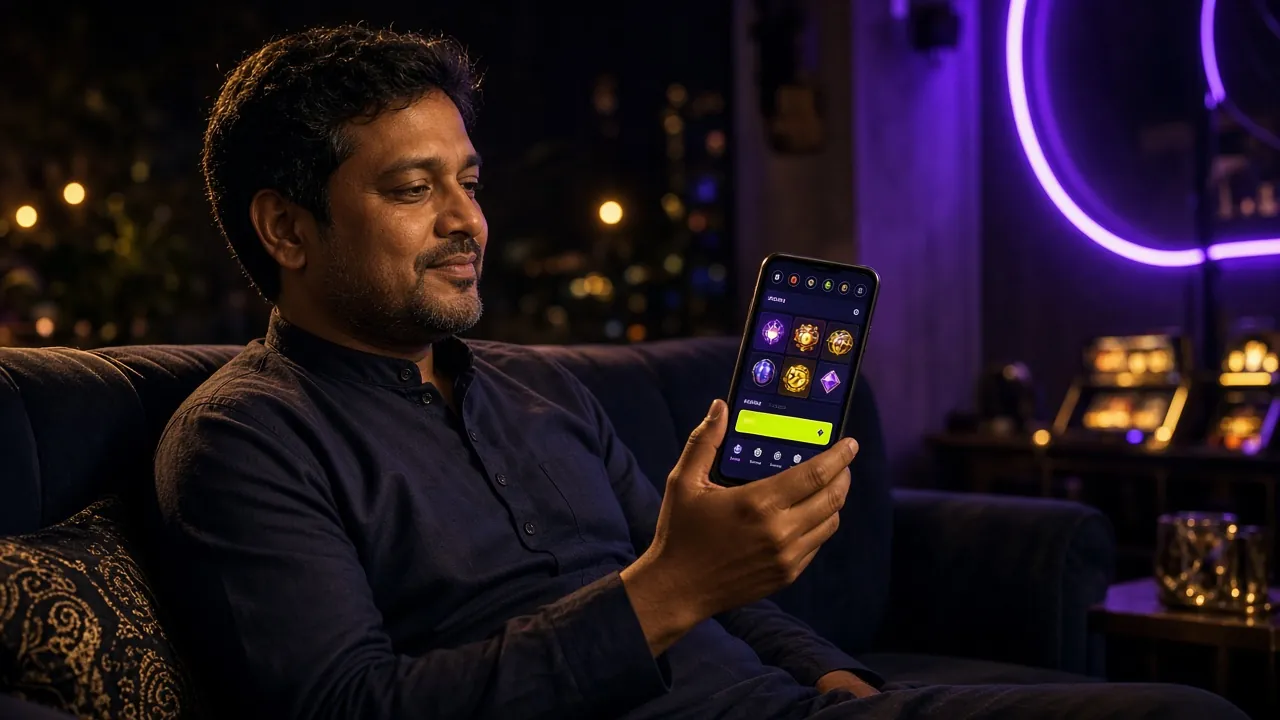
One sign-in opens the whole lobby, from the cricket markets to the slot reels.
- Signed in once on the app? It opens without a form. Get the app
- Password resets happen on this page, never in a chat message.
- Landing in the lobby, not sure what to open? Browse the casino floor
Keeping your wi9 login out of other hands
Most account theft on betting sites does not start with hacking. It starts with a code read out loud, a password reused from an old email, or a session left open on a borrowed handset. The five habits below close those doors, and none of them take more than a minute to set up.
-
The SMS code belongs to you alone
No agent, moderator or chat helper ever needs the number that just landed on your phone. If someone in a chat, on Facebook or over a call asks you to read it out, close the conversation and log the report with live chat. That one request is the whole trick, every time.
-
Give this account a password nobody else has seen
Reusing the password from your email or Facebook doubles the damage when one of them leaks. Pick something you have never typed anywhere else, change it if a friend watched you type it, and keep the wallet PIN separate from it. They are two different locks.
-
Log out where you borrow a device
Cyber café machines and a cousin's phone keep sessions alive for hours. Tap Log out when you finish, then close the tab rather than leaving it in the history. In the app the logout sits inside the profile menu, one row below the balance.
-
Read the address bar before you type
wi9.cam is the only sign-in address. Lookalike domains copy the panel almost perfectly and collect what you enter. A real sign-in page never asks for your bKash PIN, your card number or a code sent to your inbox. If it does, you are not on our page.
-
Put the screen lock back on
A phone left unlocked on a bus seat hands over everything, including a saved session. Set a PIN or fingerprint lock, and if the handset goes missing, message 24/7 live chat from another device so the account can be secured the same day.
Phone, username or the app: what changes
The account is the same one whichever door you come through. What changes is how much typing the form asks for, and how long the session survives on a shared handset.
| Sign-in route | Where it works | What you type | What to expect |
|---|---|---|---|
| Mobile number | Browser on phone or desktop, and the app | The number on the account plus your password | Works on any device you can borrow. A new SIM will not find the account, even when the wallet behind it is the same. |
| Username | Browser and app, if you added one in your profile | Your short name plus the same password | Faster on a shared keyboard and shorter than eleven digits, but it never replaces the phone number on file. |
| App session | The wi9 app, Android 7.0 and up, 41 MB | Nothing after the first sign-in | Quickest route on a slow connection. The trade-off is that an unlocked phone is an open account, so keep the lock screen on. |
Not registered yet? The wi9 Register page walks through the form, the first deposit and the 250% welcome bonus up to ৳6,000.
When the form says no: six fixes
Nearly every failed sign-in falls into one of these six patterns. Read the middle column first, because the cause is usually not the one you suspect.
| What you see | Likely cause | What to do about it |
|---|---|---|
| Password rejected although it looks right | Autofill pushing an old password, caps lock on, or a phone keyboard stuck in Bangla layout. | Clear the field completely, type by hand in the English layout, and tap the eye button to read the characters before you submit. Two careful attempts beat ten fast ones. |
| The SMS code never lands | The message is filtered into spam, the number was typed with a wrong digit, or the network is jammed at peak hours. | Wait a full minute, open the message folder rather than the notification bar, and turn off Wi-Fi so the phone reads its mobile data. Then request the code once, not five times. |
| The form empties itself after Log In | Cookies are blocked for the site, or the session token expired while the tab sat open. | Allow cookies for wi9.cam, clear the browser cache, then reload. Private or incognito modes throw away the session cookie on some phones, so try a normal window as well. |
| The account stops accepting attempts | Too many wrong passwords in a row, which triggers a temporary hold on the account. | Stop guessing and use the reset link under the form. Set a fresh password, sign in once, and confirm with live chat that the reset went through if the hold is still showing. |
| The button spins and nothing opens | Weak indoor mobile data, usually on a 3G fallback or a congested evening network. | Cancel the request, switch networks, and try once more. If the app is already installed, sign in there instead, because it holds the session better on a patchy link. |
| Lobby opens but the balance reads ৳0 | You signed into a second account, or a deposit is still clearing on the wallet side. | Check the number in your profile first. A bKash or Nagad deposit usually lands in about 4 minutes, and anything pending shows in your deposit history with its own status. |
If none of the six match, the deposit guide covers wallet-side errors that look like sign-in problems.
Signing in on a phone, start to finish
Four moves, about half a minute if the number and the password are already in your head. Do them in this order and the form rarely argues.
-
Open the page yourself
Type wi9.cam into the browser and tap Login in the menu. A saved bookmark is fine once you trust it, but typing the address by hand rules out a lookalike domain that copies the panel exactly.
-
Fill the number you registered with
Use the number attached to your bKash or Nagad wallet at sign-up. A brand new SIM will not open the account, even if the wallet behind it is the same one, because the account still points at the old digits.
-
Type the password, then check it
Tap the eye icon and read the characters before you send. Some Android keyboards switch to Bangla mid-word, and a stray space at either end is enough to fail the check while the password looks perfectly correct.
-
Land in the lobby and carry on
Press Log In and give the panel a second or two. The lobby opens on the last game you played. With the keep-me-signed-in box ticked, the next visit on this handset skips the form entirely.
Locked out: rebuilding the password
The reset runs on the same SMS channel as the sign-in code. Keep the phone you registered with in your hand before you start, because the code goes to that number and nowhere else.
Set something you have not used on a wallet or an email account. The reset is the one moment where a lazy password is easy to avoid.
-
Ask for the code
Tap Forgot password under the form, type the registered number, and request the message. If nothing arrives in a minute, turn off Wi-Fi so the phone reads mobile data and ask once more rather than repeatedly.
-
Choose a new password
Enter the code from the SMS and set a fresh password. It must not be the old one, and it should not be the PIN on your bKash or Nagad wallet, because those are separate locks on separate things.
-
Sign in once by hand
Log in manually with the new password before ticking keep-me-signed-in again. One clean sign-in confirms the change worked, and it also replaces any session left open on a device you no longer use.
Sign-in problems people bring to support
01 Can I stay signed in on my own phone?
Yes. Tick keep me signed in when you log in, and the handset holds the session until you log out or clear the browser data. Do this only on a phone with a lock screen, because anyone who picks it up is inside your account, wallet balance included.
02 Why does the app open without asking for a password?
The first app sign-in creates a stored session, so later launches skip the form. That is the point of the app, and it is also why a screen lock matters. To hand the phone to someone else, open the profile menu, log out, and the form comes back on the next launch.
03 I changed my SIM. Which number do I enter?
Enter the number on the account, which is the old one. If that SIM is gone and you cannot receive its messages, live chat can help you go through the details they hold on file. Do not create a second account with the new SIM, since a duplicate splits your balance and your history.
04 Is it safe to sign in on a cyber café computer?
Only if you log out properly before leaving, and never tick keep me signed in on a shared machine. Skip the browser's save-password prompt as well. When you get home, log in once and let the session refresh, which closes the old one on the café computer.
05 The reset code never arrives. What now?
Check the message folder for a filtered SMS, confirm the number has no typos, and switch from Wi-Fi to mobile data. Repeated requests slow delivery rather than speed it up. If nothing lands after a few minutes, live chat can confirm the number on the account and look at the reset attempts.
06 Can two people use one wi9 login at the same time?
It works on paper, but it is a bad idea. Two devices on one account share a wallet and a withdrawal history, so a disputed deposit becomes impossible to untangle. The sign-in also pushes the older session out, which looks like a random logout to whoever was there first.
wi9 login on the app: one tap instead of a form
The Android build is 41 MB, runs on version 7.0 and up, and keeps you inside the lobby on a patchy connection. Not registered yet? The account takes a single form and the deposit lands in about four minutes.
Prefer the browser? The casino floor opens the same account.