
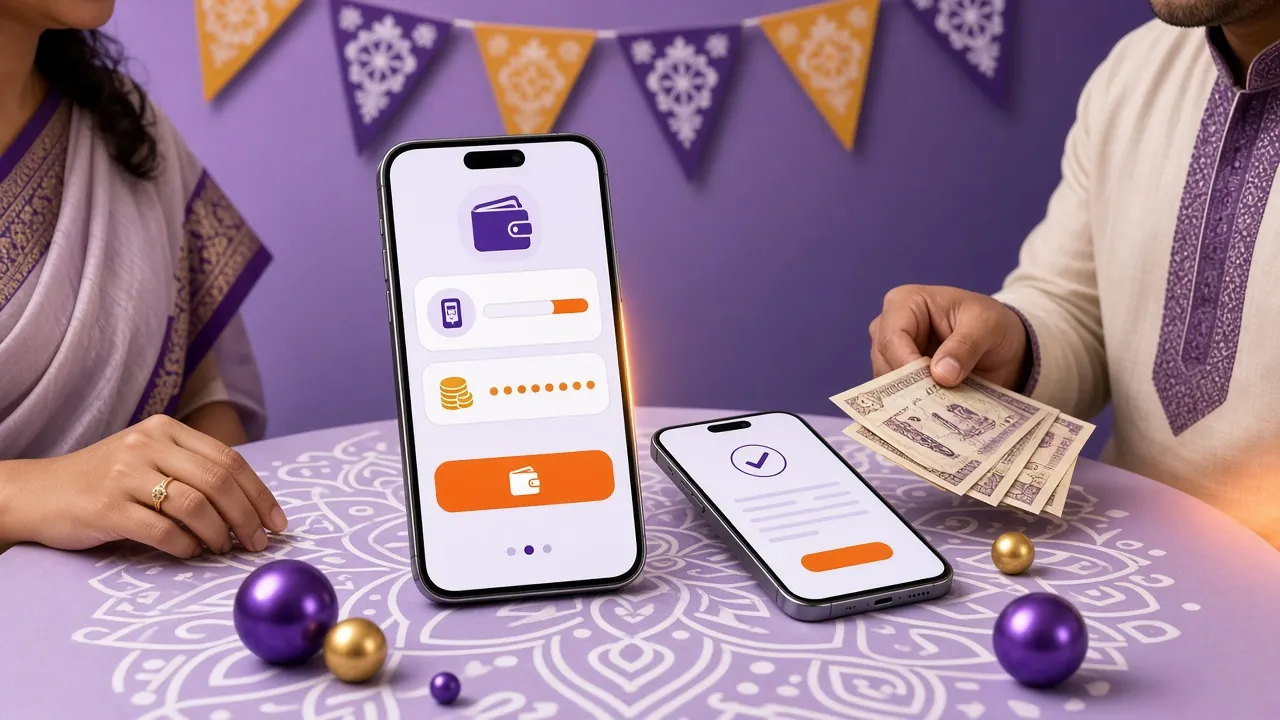
Before You Tap Withdraw
Two balances live inside one account: money you own outright, and value tied to a promotion. The wallet screen shows a single total, which is why a request sometimes bounces while the number still looks healthy. Check these three things first and most failed attempts never happen.
Has the bonus finished its turnover?
Bonus money needs 19× turnover before it, or the winnings it produced, can leave the account. If you took the 250% first-deposit offer, that counter sits on your bonus page and only moves when real-money bets settle. Withdrawing early usually voids the remaining bonus instead of paying it out.
Does your name match your ID?
The name on the account has to match the name printed on your NID, passport or driving licence. A short form, a spelling change or a family member's number will stop the payout at the review desk, and the money goes back to the wallet while you fix it.
Are you paying out to the wallet you paid in with?
Cash out to the same bKash, Nagad, Rocket, Upay or bank account you deposited from. It keeps the trail clean and it is the fastest route through the checks. A different number is allowed only after the name is verified.
The wi9 Withdrawal Steps, Start to Finish
Once your account is clean, the whole request is a short sequence. Do it in this order and the confirmation usually lands before you finish your tea.
-
Sign in and open the wallet
Use the mobile browser or the app, then tap the wallet icon in the lobby bar. If the password is gone, the recovery route on the wi9 login page takes about a minute.
-
Choose the cash-out tab
Deposit and withdraw sit next to each other and look similar. Make sure the amount field is on the withdrawal side before you type, or the money simply returns to your balance.
-
Pick the wallet that takes the money
bKash, Nagad, Rocket, Upay and bank transfer are all listed. Choose the one you paid in with and type the number carefully, twice if the screen asks for it.
-
Type an amount inside the limits
The smallest request is ৳1,200. The rest of the field is your daily cap minus whatever you already took out today, which is ৳90,000 at entry level.
-
Confirm and keep the reference
Tap confirm, wait for the green tick, then screenshot the reference number. It is the first thing live chat asks for if a payout ever goes quiet.
Limits, Timing and the Method You Choose
The platform pays out in about 12 minutes once a request clears. Your very first cash out can take up to one hour, because the payment team reviews the account and the ID before releasing funds. Nothing is lost in that hour; it is the cost of having the check done properly once.
- bKash Minimum৳500 Money in4 min Money out12 min
- Nagad Minimum৳500 Money in4 min Money out12 min
- Rocket Minimum৳500 Money in4 min Money out12 min
- Upay Minimum৳500 Money in4 min Money out12 min
- Bank Transfer Minimum৳500 Money in4 min Money out12 min
Times are what the platform needs on its side. Your wallet or bank may add a few minutes of its own, especially after 10pm or on a Friday.
Daily limits rise as you play more. The table below shows the ceiling attached to each level, measured on monthly turnover.
| Level | Monthly turnover | Daily withdrawal ceiling |
|---|---|---|
| Starter | No minimum | ৳90,000 |
| Silver | ৳30,000 | ৳130,000 |
| Gold | ৳130,000 | ৳180,000 |
| Ruby | ৳580,000 | ৳260,000 |
If you are close to the ceiling, split the request across two days rather than sending one large amount that will be refused. The wallet shows the remaining allowance before you confirm, so there is no guesswork.
First Cash Out: The ID Photo That Unlocks It
Identity documents are required before your first withdrawal, not after. That review is what keeps a stolen phone from emptying someone's account, and it is the only step most players leave until the worst moment. Send it early and the whole thing is behind you.
| Document | Best used when |
|---|---|
| National ID Card (NID) | The default choice. Every Bangladeshi player has one, and the photo page carries the name and number the account must match. |
| Passport | Useful if your NID is being renewed or the printed name differs from the name you registered with. |
| Driving Licence | A third option when the other two are out of reach, provided the photo and number are clearly readable. |
How to send it
- Log in and open the verification area of your profile.
- Choose the document type you are uploading.
- Photograph the front of the document in daylight, then upload the image.
- Submit and leave the account name untouched while the file is under review.
What makes a photo pass on the first try
You do not need a scanner or a studio. You need a flat, colour photo where all four corners of the card are inside the frame, the printed name and number are sharp, and there is no flash glare across the plastic. Hold the phone steady, avoid shadows from your hand, and skip the cropped screenshot versions that cut off the edges. A clear phone photo beats a blurred scan every time.
How long it takes, and who sees it
Review usually finishes inside 2 hours. The file goes to the verification team only, is used to match the name on your account, and is never shown to other players. Once it is approved you do not repeat the process for later payouts, and the daily limits above are the only ceiling left. If something is unreadable, the team rejects the image with a reason instead of freezing the account, and you simply upload a better one. Questions in the middle of the night go to 24/7 Live Chat, which answers faster than any other channel.
Why a Withdrawal Gets Held, and What to Do Next
Almost every held payout comes from one of five small mismatches. Check the reason line on the request first; it usually names the problem outright.
| What you see | What actually fixes it |
|---|---|
| Amount below the floor | Raise the request to ৳1,200 or more. Smaller balances stay in the wallet until they reach the minimum. |
| Over the daily cap | Wait for the counter to reset at midnight UTC+06, or split the amount across two days. |
| Bonus still active | Finish the 19× turnover first. Ask live chat to show the remaining figure if the progress bar confuses you. |
| Name mismatch | Send an ID that carries the exact registered name, or ask support to correct a spelling on the account. |
| Wallet number problem | Use the number you deposited from. A different wallet needs the name check done before it can receive money. |
Nothing is deducted while a request sits on hold. The amount is either paid or returned to the balance, and the history tab shows which happened. If the reason line is unclear, open live chat with the reference number and the amount; that pair is enough for the team to find the request without asking you to repeat everything.
Small Habits That Keep Payouts Moving
Players who cash out without friction tend to do the same four boring things. None of them take more than a minute.
- Keep one phone number for deposits and withdrawals, and never lend the account to a friend.
- Send the ID while you are still enjoying the site, not on the night the money is needed.
- Leave an active bonus alone until its turnover is finished, or you lose the remainder.
- Screenshot each confirmation. It saves an argument when a wallet company is slow.
There is nothing else to memorise. Deposit with the same wallet, keep the name clean, and the request settles while you are still looking at the screen.